Brand Applications
Lava Bloom

Brand Identity
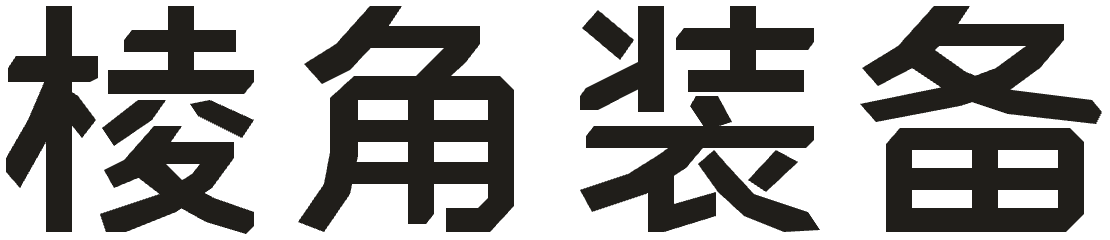
Chinese Wordmark

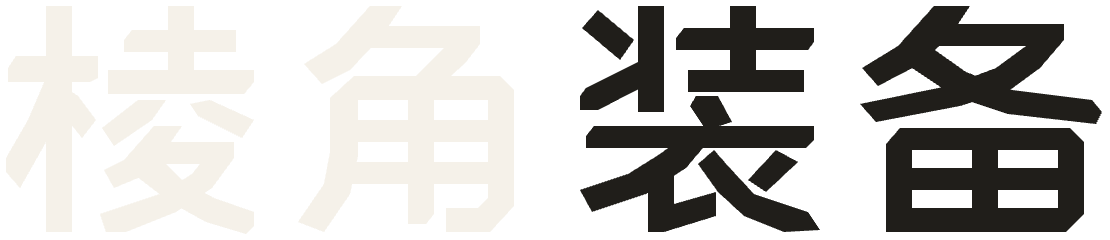
Short chamfers echo the faces of the rock core, while longer diagonal strokes follow the angle of the side petals. Straight horizontal and vertical strokes keep the wordmark legible on hang tags and packaging.
Brand Colors
sRGB / HEX- Obsidian
#201E1APrimary color · Core and upper and lower rock fragments - Lava Orange
#EB4C2DAccent color · Left and right petals - Stone Ivory
#F5F1E9Light brand color · Reversed marks and lettering
Brand Gradient
#201E1A · 6% #39251F · 54% #632B22 · 75% #7D3225 · 75% #B73D27 · 91% #EB4C2D · 100% Recreate the CSS Gradient
Declare the variable in the global stylesheet and apply it as a container background. The gradient runs at 125° from the upper left toward the lower right, with two stops at 75% forming a hard diagonal edge.
:root {
    --brand-gradient: linear-gradient(
      125deg,
      #201E1A 6%,
      #39251F 54%,
      #632B22 75%, /* Before the cut */
      #7D3225 75%, /* After the cut */
      #B73D27 91%,
      #EB4C2D 100%
    );
  }

  .brand-panel {
    background: var(--brand-gradient);
  }
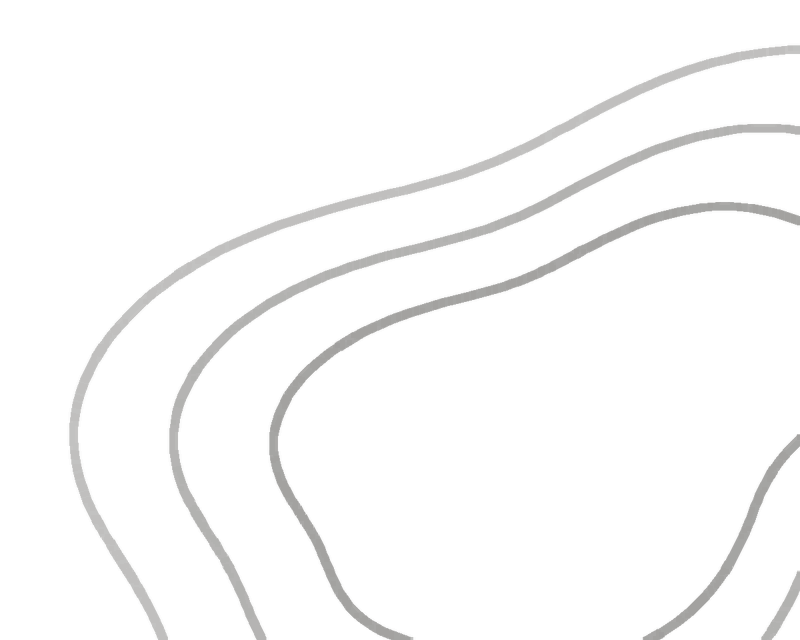
To add contour lines, place a transparent contour PNG inside the gradient container. The gradient adjusts to the container dimensions.
Product Applications
Product Imagery and Collateral



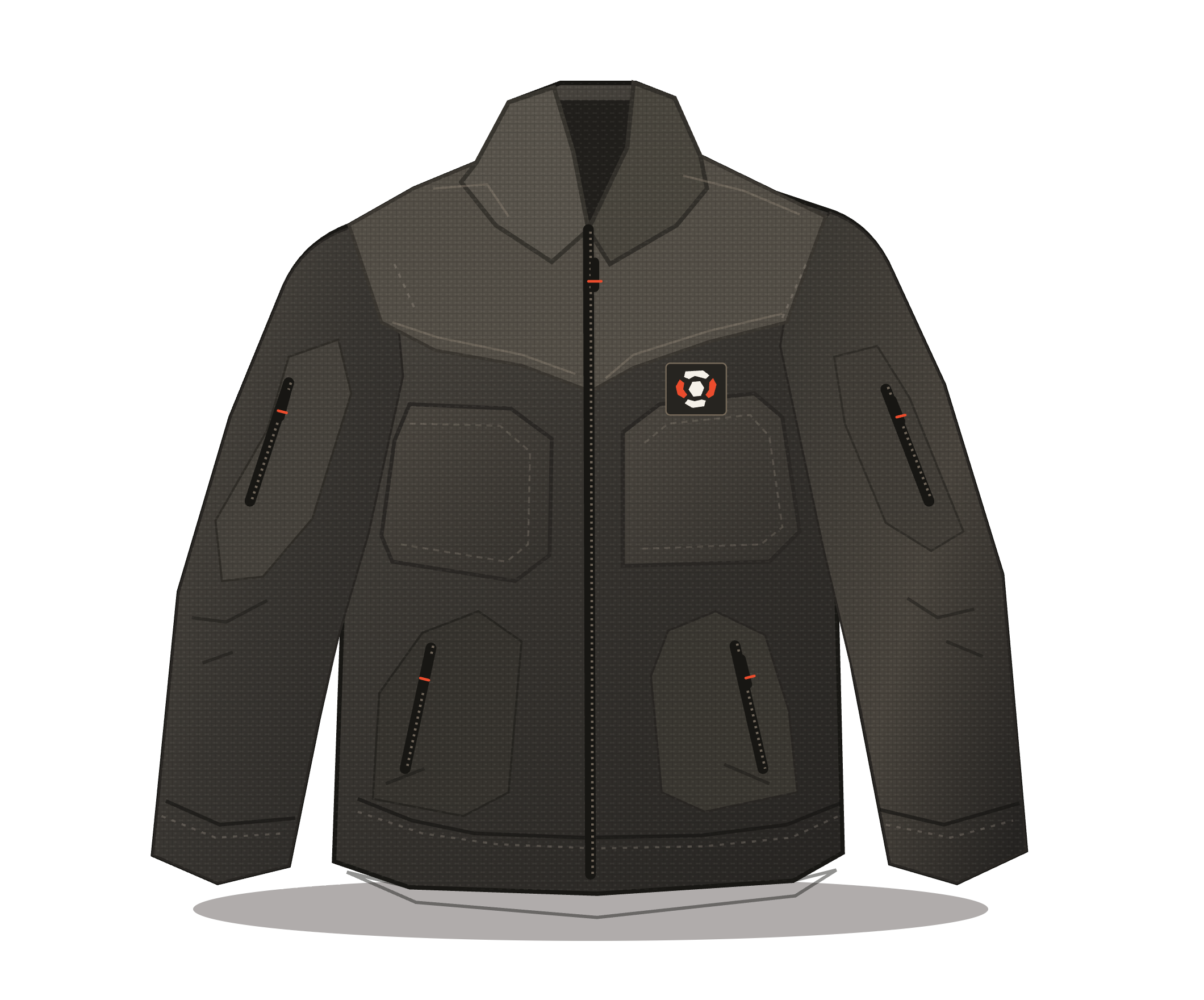
E-commerce Hero Image
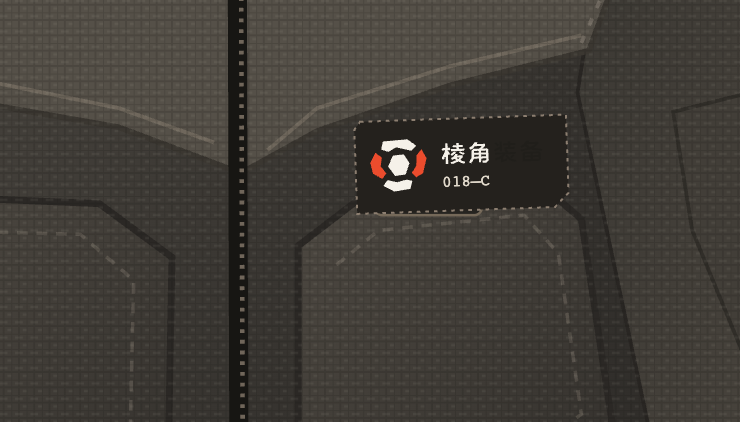
Woven Chest Label


Product Hang Tag

Packaging Band
Product Information Layout
Sample Product Specifications
- Model
- Color
- Obsidian
- Size

- Fabric
- Stretch woven fabric
- Care
- Wash gently inside out and hang to dry
Fabric, size, and care details are sample data.
Feature Icons
Water Repellent

Breathable
Quick Dry

Abrasion Resistant
Use the icons that match the product specifications.
Print Applications
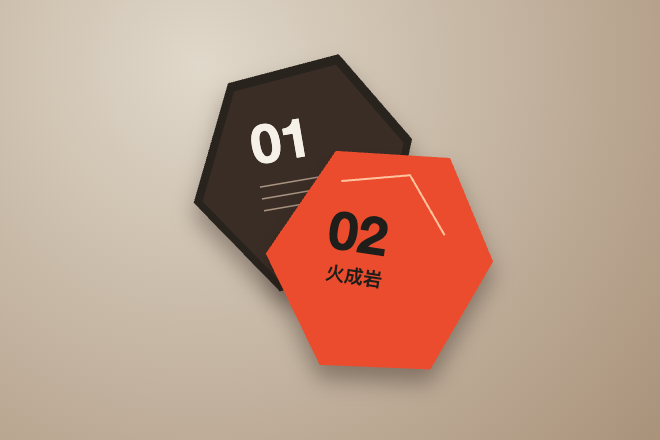
Die-Cut Sample Card
The rock core silhouette defines the card's die line.
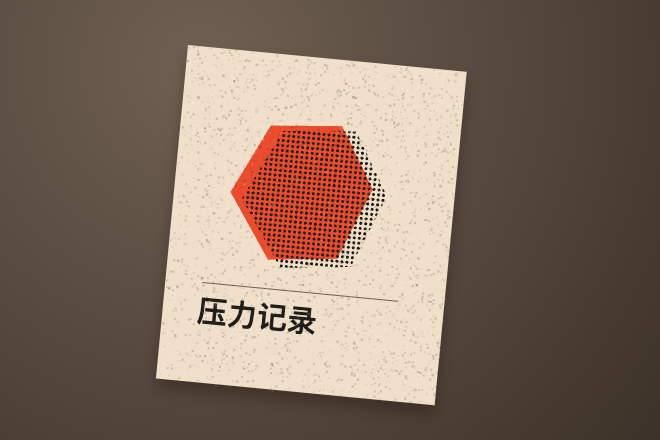
Two-Color Print
Large halftone dots and offset registration show how lava orange and black overlap.
Digital and Media
Digital Logo Applications

Social Media Avatar
Keep clear space inside the circular crop so the outer petals stay away from the edge.


App Icon
Ridge GearBrowser Favicon
Preview the mark at 16 px to check that the gaps between its five shapes remain clear.
Small Avatar Sizes
Website and App Icons
PNG / 128 × 128 



Website Header
 Home
 Search
 Bag
 Account
App Tab Bar
48 px at left · 16 px at right
 Home
- Search
- Bag
- Account
- Menu
Social Profile Cover
16:9 / PNG
Douyin Profile · Lava Ridge
1920 × 1080 px. Leave the left and bottom clear for the avatar and account details.
Video Backgrounds
16:9 / 4K
Lava Ridge · Landscape Video
3840 × 2160 px. Use the dark area on the left for titles, captions, or a subject.

Portrait · Short Video
9:16 · 2160 × 3840 px. Keep the upper and middle areas clear for a person or title.

Square · Social Video
1:1 · 2160 × 2160 px. Leave the left side clear for a product name or title.

Portrait Feed
4:5 · 2160 × 2700 px. Place titles above and products in the center.
Recreate the Video Backgrounds
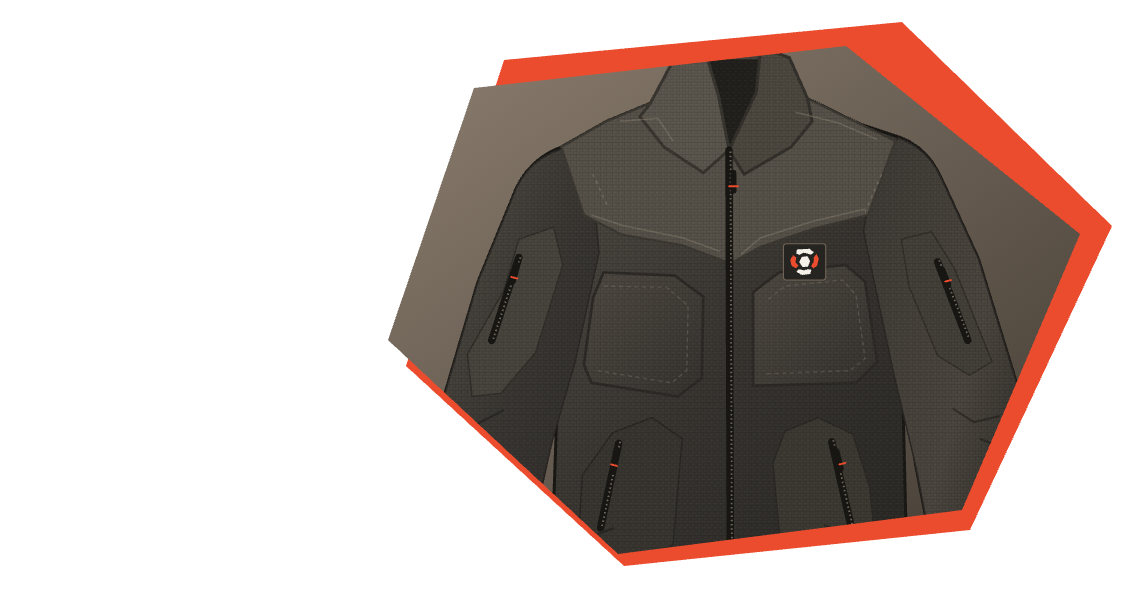
Apply the 125° brand gradient to the full canvas, then overlay the transparent contour PNG for the desired aspect ratio. All four formats share the e-commerce image's contour shape and color, with the lower-right artwork scaled to fit. Layer the jacket and lettering above the background.
Design Guidelines
Shape Extraction
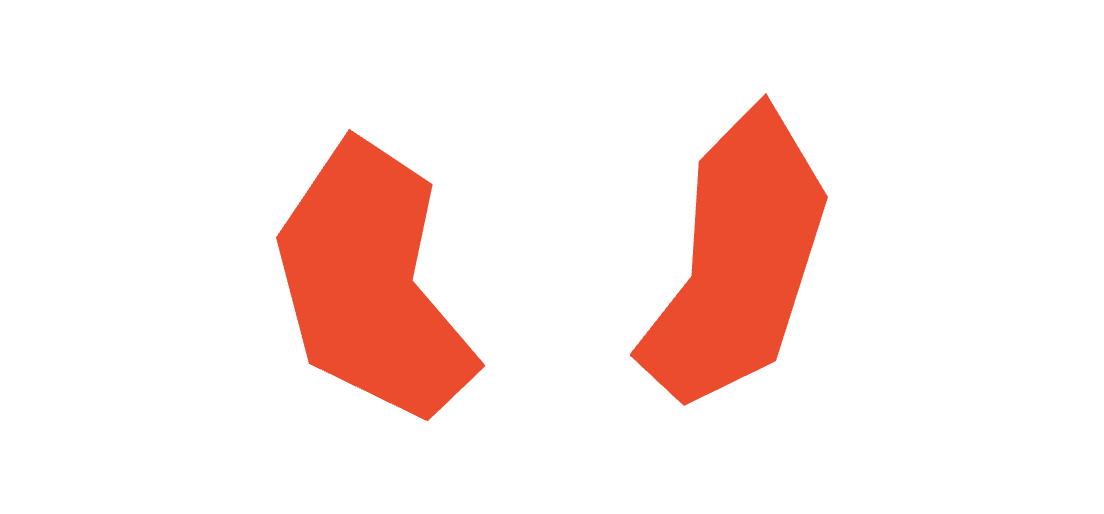
Isolated Side Petals
Keep the angular cuts and the balance between the wider left and narrower right petals.
Rock-Face Crops
 Hexagonal Core
Jacket Hero Crop
Lava Contours
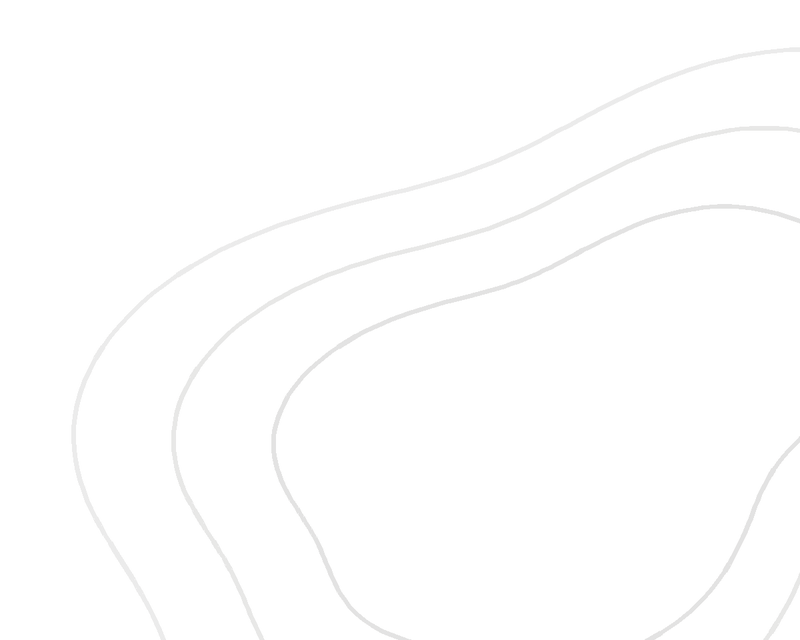
Use three contour lines in the lower-right corner of a banner. Use stone ivory on dark backgrounds and low-opacity obsidian on light ones, letting the lines run off the right and bottom edges.
Monochrome Print
For instruction cards and packaging inserts.
Ridge Gear Gear Hang Tag
Bring the contours in from the right, leaving clear space for the logo, brand name, and model number.
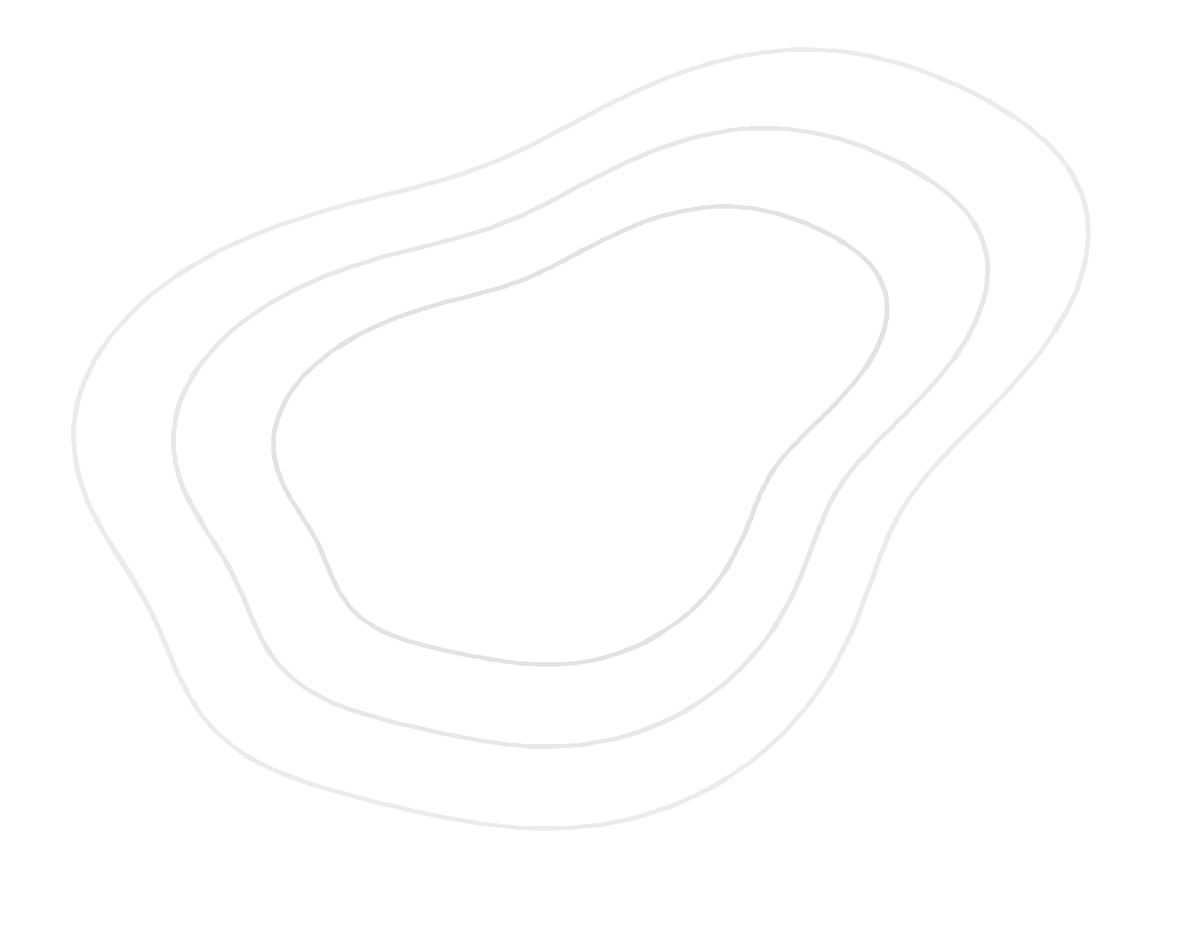
Complete Contours
PNG / 1200 × 940
Stone-Ivory Lines
For obsidian and brand-gradient backgrounds.
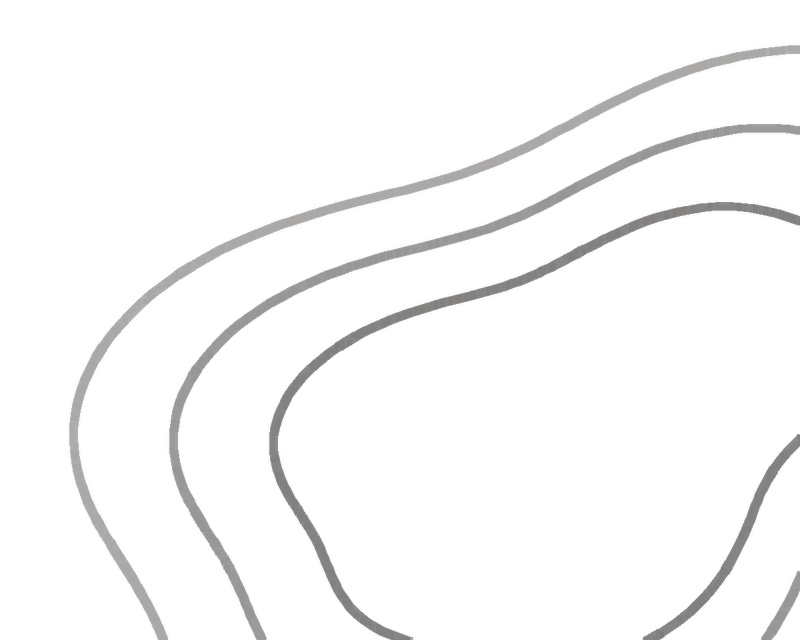
Obsidian Lines
Use low-opacity obsidian on stone ivory and other light backgrounds.
Contour Accent
Lower Right · Gradient
Keep the left side clear for a title or subject.
Composition Rules
Banner
Left-align the mark and model number, and keep three light contours in the lower right.
Square Card
Place the mark at the top and the contours in the lower right, with clear space around the model number and product name.
Vertical Tag
Bring three obsidian contours in from the right on stone ivory, keeping the size area clear.
Allow clear space of at least half the logo's width on every side. Use three contour lines along a single edge and keep the model and specification areas clear.
Brand Typography
Lava Bloom Display
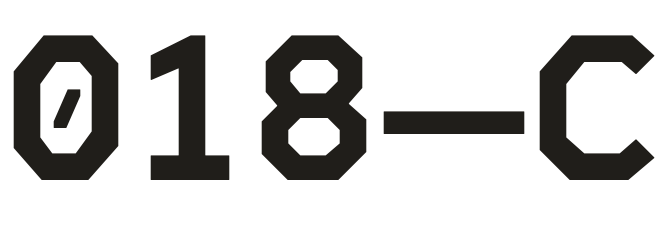
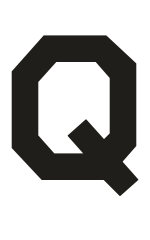
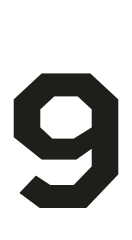
The rock core's chamfers shape A, O, and R, while the petals' diagonals carry through to S and 0. Use the typeface with the logo, brand headlines, hang tags, and product numbers.
Uppercase A–Z

























Lowercase a–z


























Lining Figures 0–9










Oldstyle Figures 0–9













Asset Downloads
Logo Downloads
PNG / 3000 × 3000
Choose a transparent PNG when placing the mark on your own background.
App Icon Downloads
PNG / 1024 × 1024
Obsidian


Light Stone


Lava Orange Reverse

Brand Gradient Images
PNG
Landscape · 16:9
3840 × 2160 px

Portrait · 9:16
2160 × 3840 px

Square · 1:1
2160 × 2160 px

Portrait Feed · 4:5
2160 × 2700 px
Artwork on this page © Derek X. All rights reserved.